

Access Your Car’s Secret Options and Diagnose Trouble Codes With OBDeleven
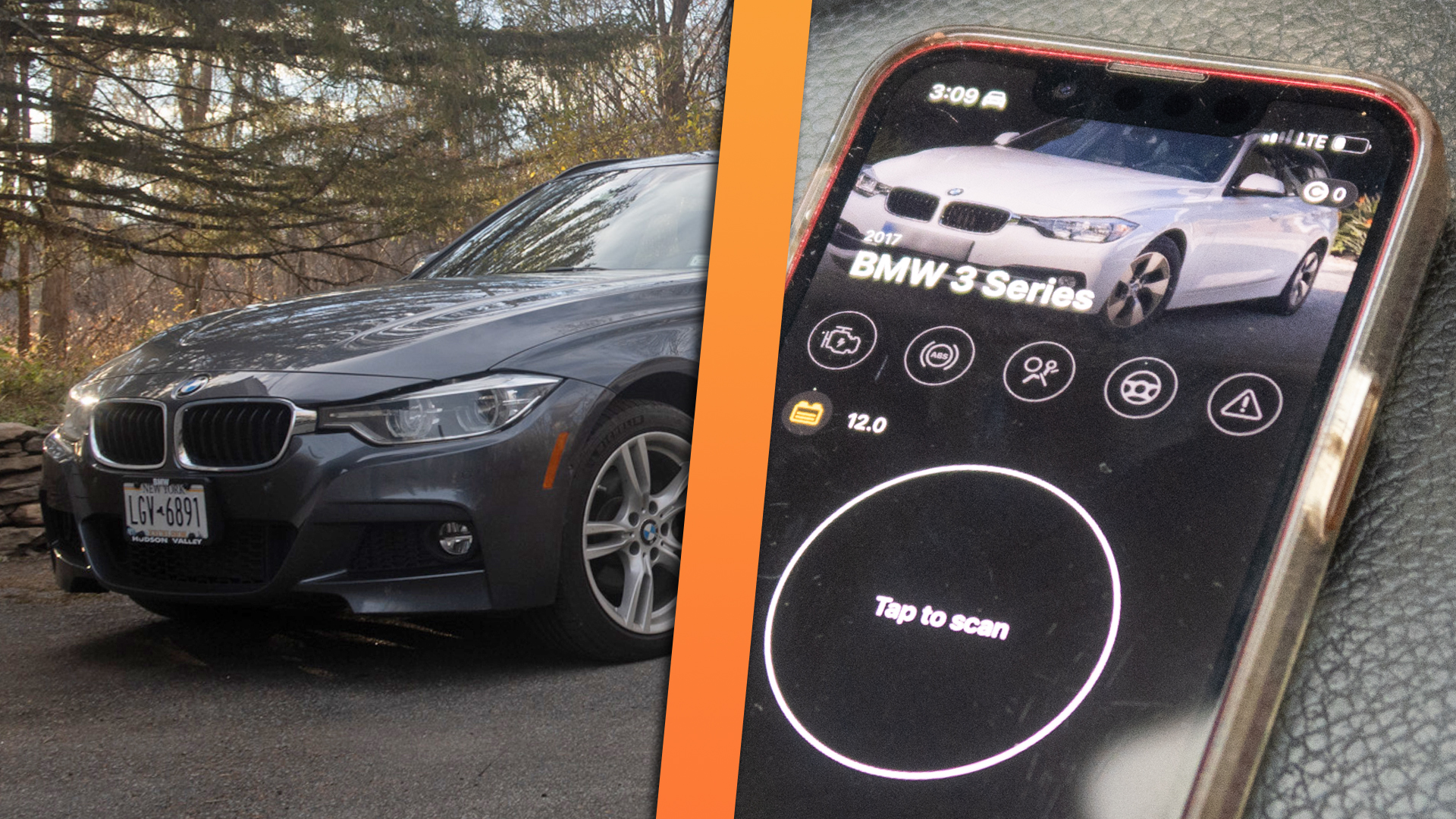
Almost all cars made after 1996 have an OBD2 diagnostic port for plugging into and reading trouble codes when a “check engine” light comes on. But some vehicles, particularly German ones made after 2008, support a great deal more functionality through this same port. On certain cars, you can even unlock secret features with a device called OBDeleven and its accompanying smartphone app. It’s deeply discounted for Black Friday right now, too.
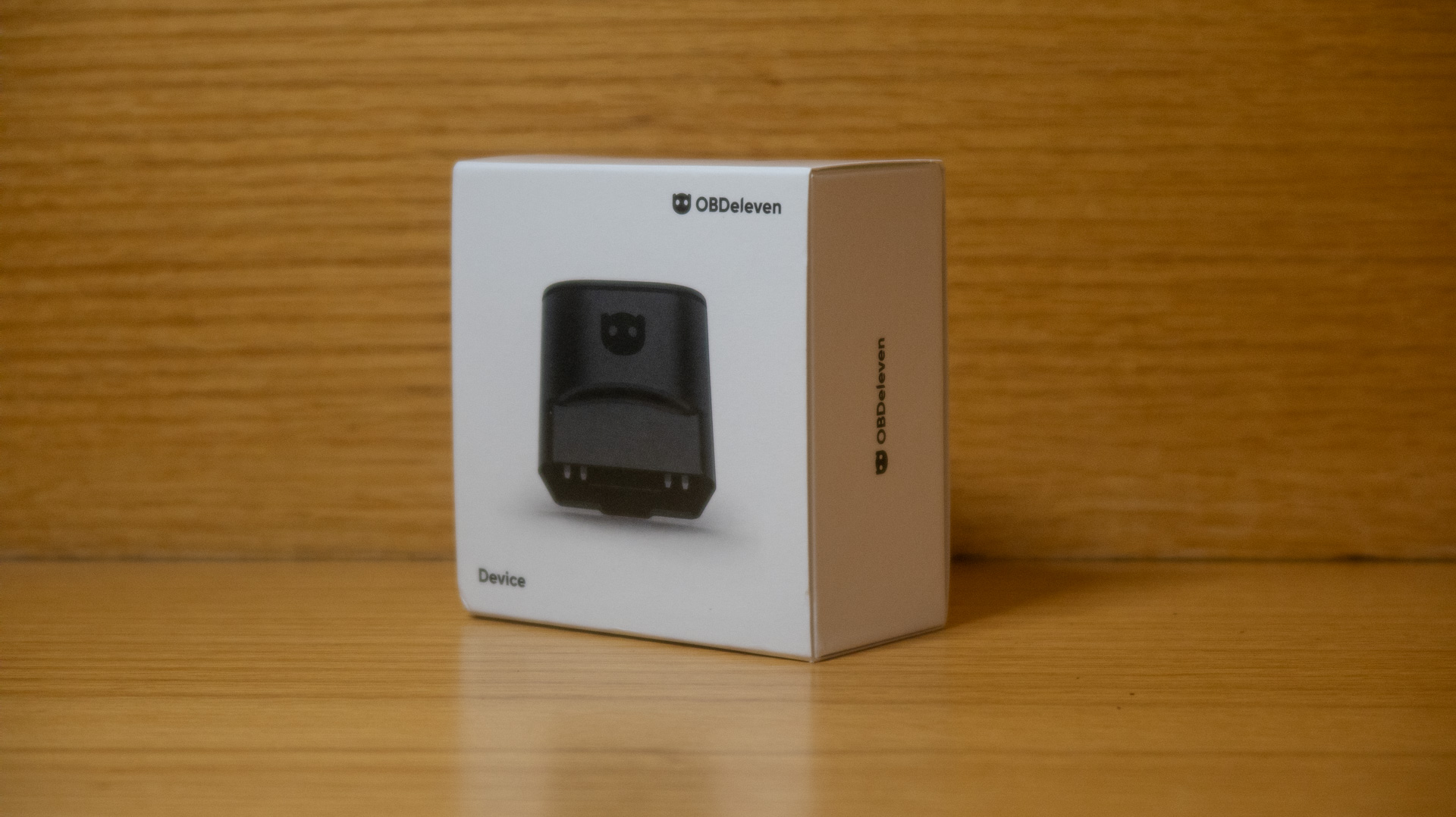
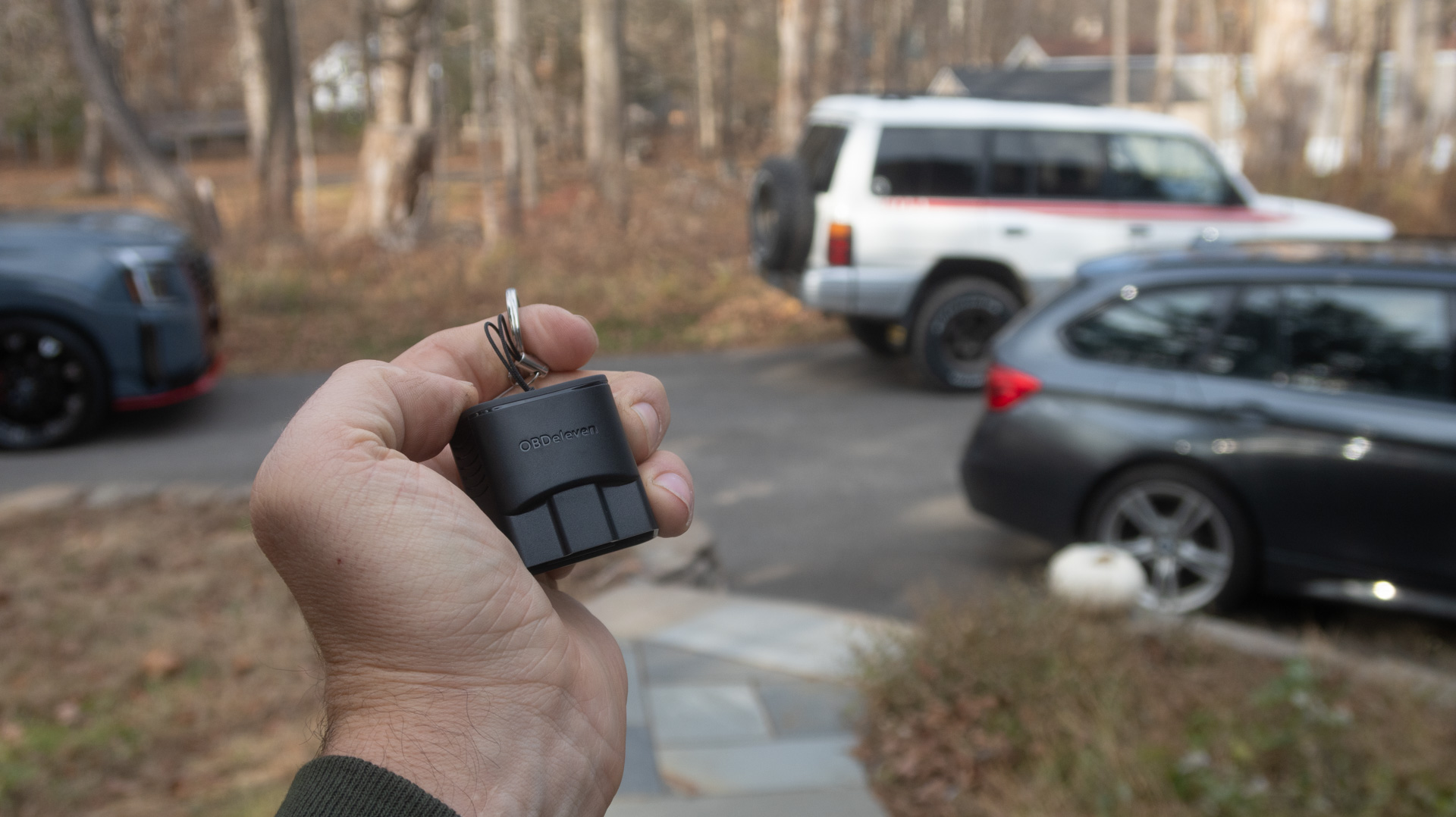
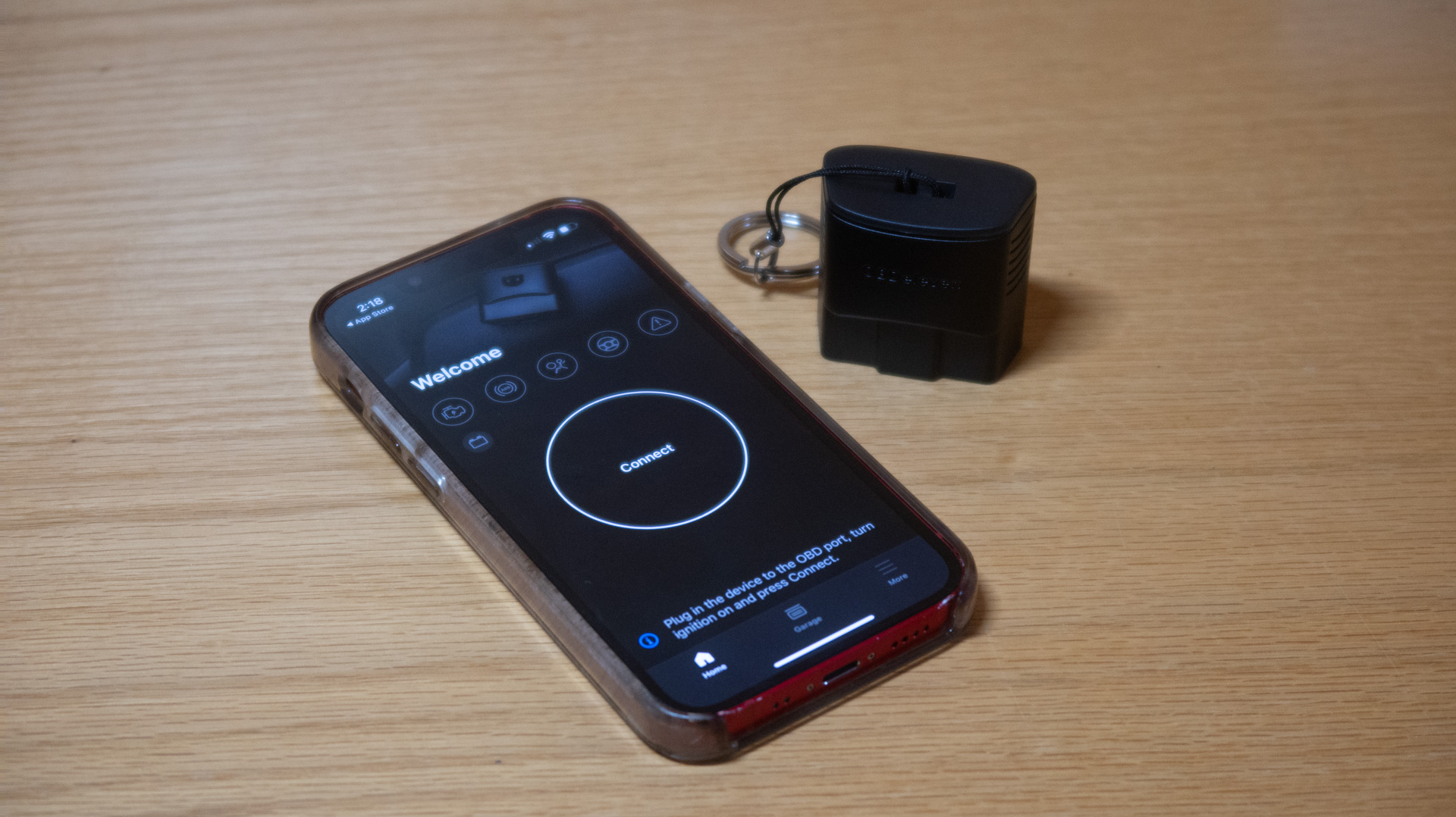
OBDeleven is a Bluetooth dongle you thwack into your car’s OBD2 port (almost always near the driver’s knees). Once you see its blue light indicating a connection to the vehicle, you connect to it with your phone through the OBDeleven app (or OBDeleven VAG app if you have a Volkswagen Group car). From there, on a compatible vehicle, you can start interacting with your car’s computer systems. It’s a neat little tool I’ve been testing with my BMW wagon. Here’s more on what it does and how it works.
Diagnostics
The car talks to the device, the device talks to your phone, and your phone will report and explain any faults a compatible vehicle might have stored in its system. It can go a lot deeper than a basic auto-parts-store OBD code reader, exposing faults across a multitude of systems and showing you previous faults that have come up in the past. That can be very helpful when you’re trying to diagnose an intermittent or long-standing issue, plus it gives you some insight into the car’s history.
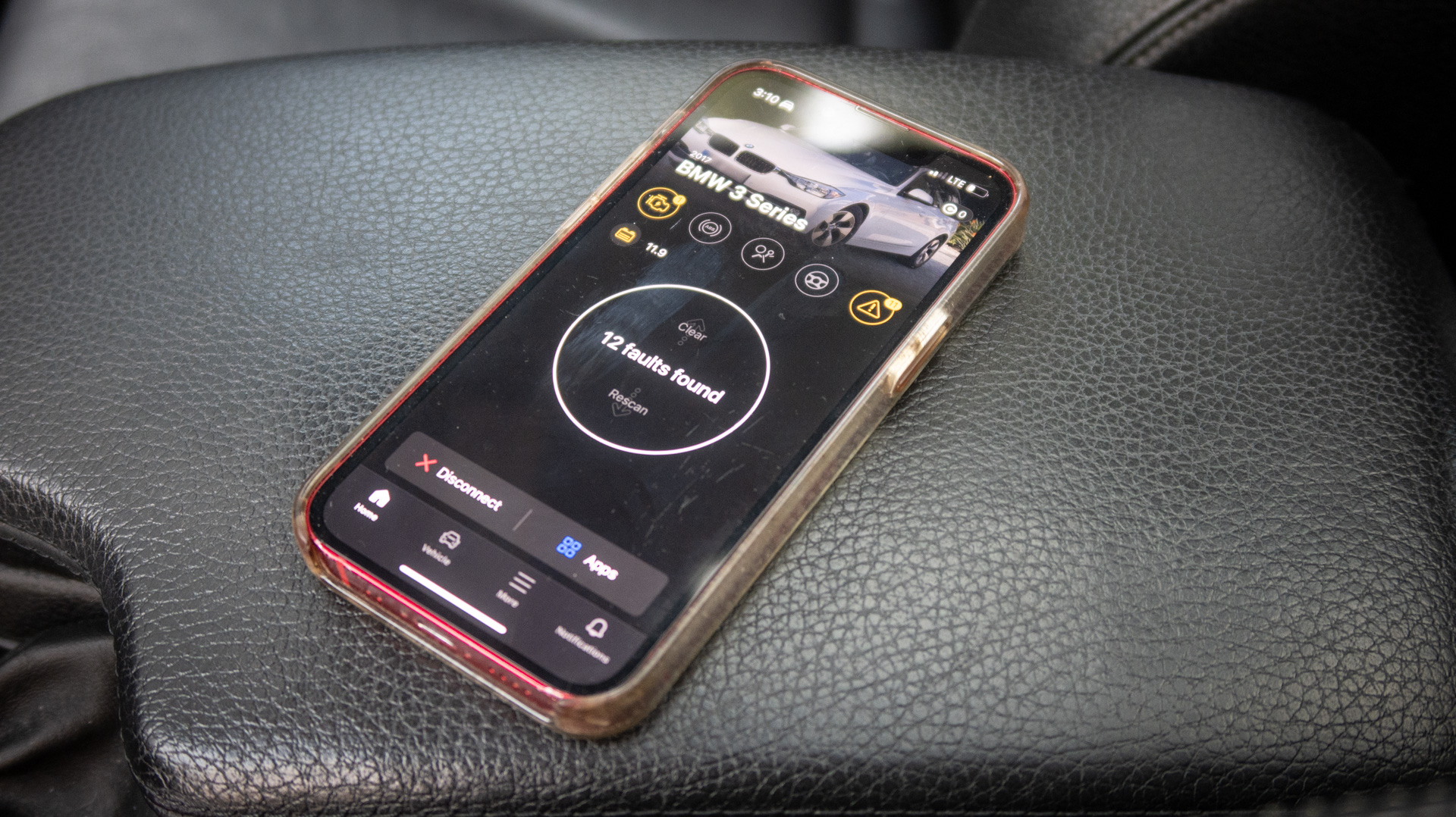
When you’re trying to understand a problem the car may be exhibiting in real time, you can also read live data to help narrow down what systems or sensors may be acting up.
Even if you plan to ultimately outsource work to a professional mechanic, being able to do some roadside research with something like this is great because it can inform you on the real severity of a warning light or funny sound. When you’re on a road trip, or even just running errands near home, it’s clutch to be able to see what exactly is happening with your car before driving further if something seems amiss.
OBDeleven can also help you adjust things like electronic parking brakes, which we discussed in a recent news story.
Customization and Secret Car Features
In addition to advanced diagnostics, using OBDeleven with a car that officially licenses the technology (more on that in the next section) gets you access to secret features and customization via one-click apps. For example, with my 2017 BMW F31, I could do things like adjust the gauge cluster’s look, change engine start/stop behavior, have the door handle lights come on when I go into reverse, set up a headlight animation, and do much more.

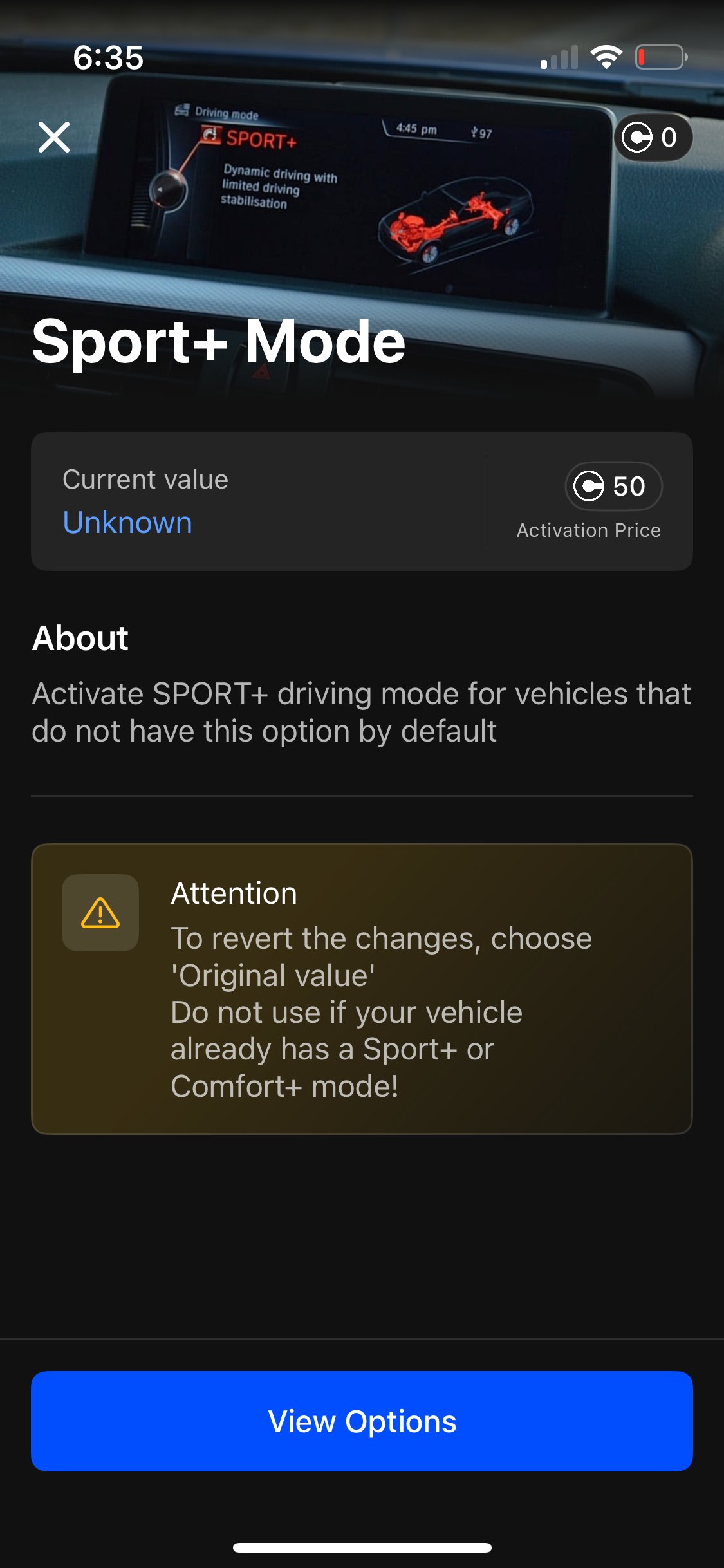
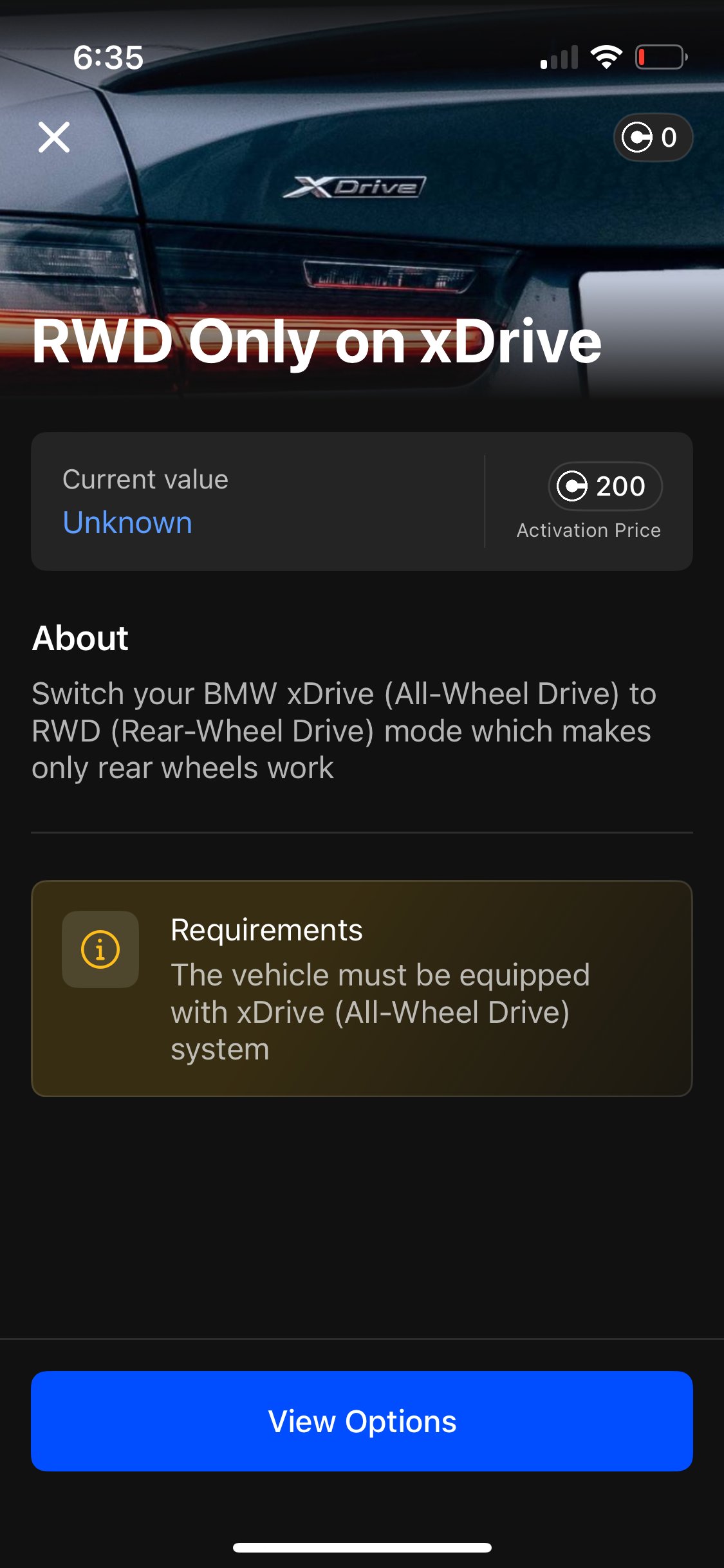
These options are hidden behind coding because BMW didn’t want to sell them on every car. Sometimes this functionality is baked into the vehicle’s software, so it can be activated for different regional markets or options packages. But an OBDeleven lets you make the adjustments you see fit from your phone. You can tap into this stuff with the push of a button using OBDeleven’s One-Click Apps for certain cars. These are pre-made coding applications that give anybody, even non-technically inclined, to make the tweaks like we just listed above with the BMW example.
Check out the OBDeleven customizations list to see what would work on your car.
Compatibility
OBDeleven is “officially licensed by Volkswagen Group (VAG), BMW Group, Ford (US), and Toyota,” according to the brand. That includes Volkswagen, Audi, Škoda, SEAT/CUPRA, Lamborghini, Bentley, BMW, Rolls-Royce, MINI, Toyota, Lexus, and Ford. You’ll need a vehicle from one of those automakers to really get the most functionality out of this OBD2 tool, like the BMW example you just read about. But it can scan any car with a CAN bus protocol (mostly, vehicles made after 2008), including those with VW’s Vehicle Diagnostic Protection software (or SFD, for Schutz Fahrzeug Diagnose, as it’s known in German).
The OBDeleven app is on both Apple’s App Store for iOS and the Google Play Store for Android. The app told me it needs iOS 17 or Android 8.0 to run, so if you’re running an old iPad as your shop computer, like I do, it might be time to upgrade.
Tech Support
OBDeleven’s website has a live chat feature to provide customer service and a forum where you can discuss the device and related topics with other users. As far as interpreting trouble codes, picking customization options, and actually repairing your car based on what you learn from the OBDeleven app, I’d recommend a factory service manual, a more basic Haynes or similar manual, or a model-specific forum for your car.
Shortcomings
The OBDeleven system won’t work with older OBD2 vehicles (it could tell my ’98 Montero was a Mitsubishi, but that’s it), so double-check compatibility with your year, make, and model. It’s also not the most economical option if you purely want to read trouble codes, since auto parts stores will do that for free or sell you an ultra-basic reader for like $20.
It’s too bad the app doesn’t run on iOS 16 anymore, because my old garage iPad can’t run it! Check the app store for compatibility with your device. It ran flawlessly on my hard-partying iPhone 13 Mini with iOS 17.6.1.
Pricing
OBDeleven pricing has some variability to it. You can buy the device and get useful diagnostic functionality out of it with a free subscription. But to do customizations, you’ll need to buy and spend in-app currency called Credits or get a paid plan. There are some pretty major discounts going on for Black Friday from now through about the end of November, too.
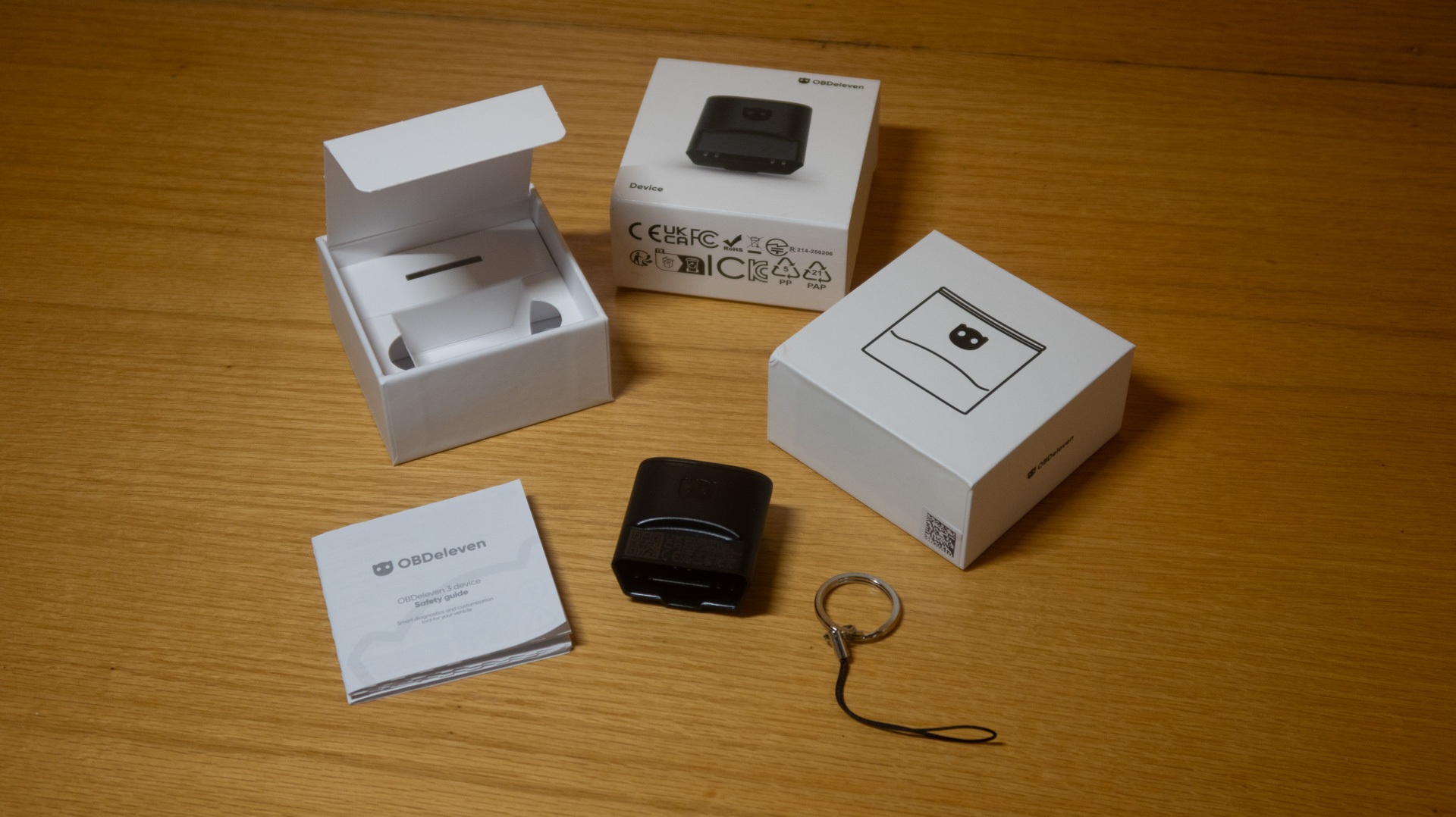
Right now, you can get the OBDeleven device for $132.19 (40% off the normal $220.29 list price) with 500 Credits, a phone holder, and a little carry pouch. On that same page, you’ll see that you can get the PRO pack, including 36 months of PRO coverage, for $215.09. You can also get the Ultimate pack, for 12 months, for $180.89. The PRO features are just for VW Group cars, but you could still benefit from the unlimited one-click apps in the Ultimate pack with other CAN bus vehicles. If you just want to grab the base device and add PRO, add Ultimate, or Credits a la carte, you can do that. But the Black Friday packages are where the real deals are at.
- PRO plan (for compatible VAG cars):
- SFD Unlock
- Coding, Long Coding
- Adaptations, Long Adaptations
- Basic Settings
- Trouble Code Freeze Frame
- Gateway Coding
- Priority customer support
- ULTIMATE plan (for compatible VAG cars):
- Pro features
- Unlimited One-Click Apps (So you don’t need to buy any extra Credits to use them as much as you wish)
- OCAbuilder (So you can even develop your own One-Click Apps )
- RAW data (needed to use the OCAbuilder)
As for the value of the in-app Credits, here are some examples of One-Click App pricing for functions on my Bimmer wagon:
- Change auto start/stop default setting (so it can be off every time you start the car): 50 Credits
- Change iDrive animation: 10 Credits
- Add “X-View” display (so it’d have tilt and roll like an X5): 10 Credits
- Add “Sport+” mode on cars that didn’t have it: 50 Credits
- Switch xDrive AWD system to become RWD only: 500 Credits
And those are just a few examples—there are dozens of other little things I could change on my ’17 3 Series with this tool. Guess it’s time to start spending some credits!
The post Access Your Car’s Secret Options and Diagnose Trouble Codes With OBDeleven appeared first on The Drive.
Posts Widget
- 1

- 2
- 3
- 4





Copyright © 2025 · ORUC GLOBAL · All rights reserved


